When you’re setting up a workflow or creating task templates, you’ll notice roles like Target User, Current User, and Supervisor. Here’s what each one means and how they work together in the task management process:
1. Target User – The Star of the Show
This is the person the workflow is about. Think of them as the main character in this pre-hire adventure.
For example, if you’re getting ready to hire David, then David is the Target User.
Everyone on the team can be assigned tasks in David’s workflow to help get him up and running.
You might be ordering his laptop.
Someone else might be making his security badge.
These tasks are assigned to team members, but they’re all on behalf of David.
In short: Target User = the subject of the workflow (usually the new hire or candidate).
2. Current User – That’s You!
The Current User is whoever is currently logged into the system and sending out the workflow.
If you’re clicking the buttons and sending out the workflow, you’re the Current User.
3. Supervisor – The Target User’s Manager
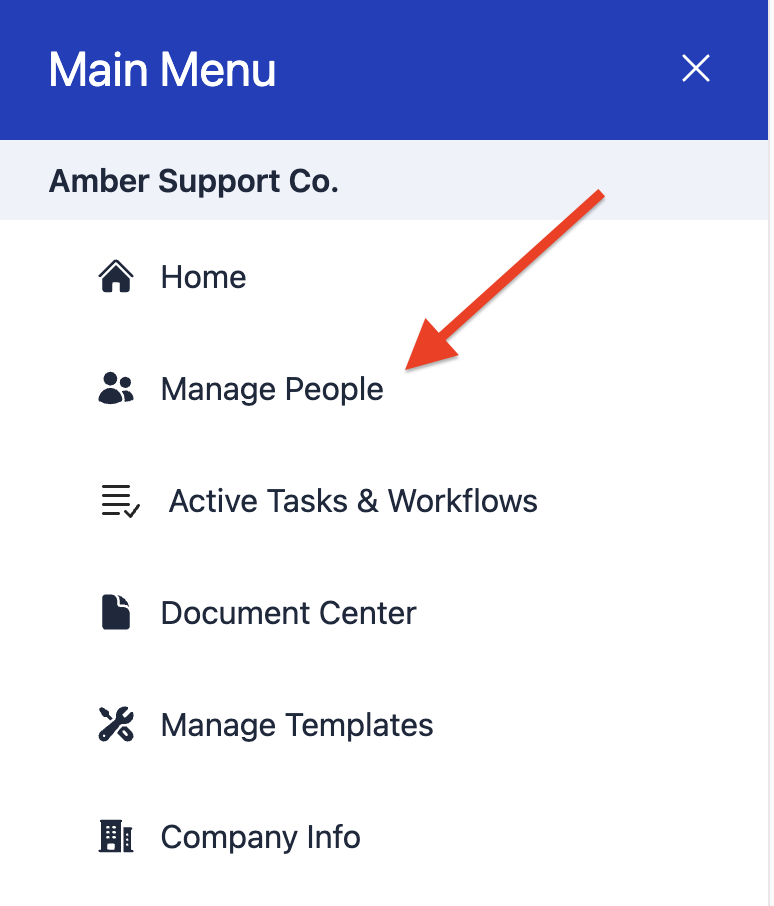
The Supervisor is the person listed as the Target User’s manager in the Manage People section.
This role matters when tasks or approvals need to route to a direct manager.
Pro Tip: If you're assigning tasks and it’s unclear where they’re going or who the workflow is about, double-check who’s listed as the Target User and confirm the Supervisor info is up to date in Manage People.